Apple Business Connect Setup for Fort Myers Businesses, verification steps, photos, action buttons, and common issues
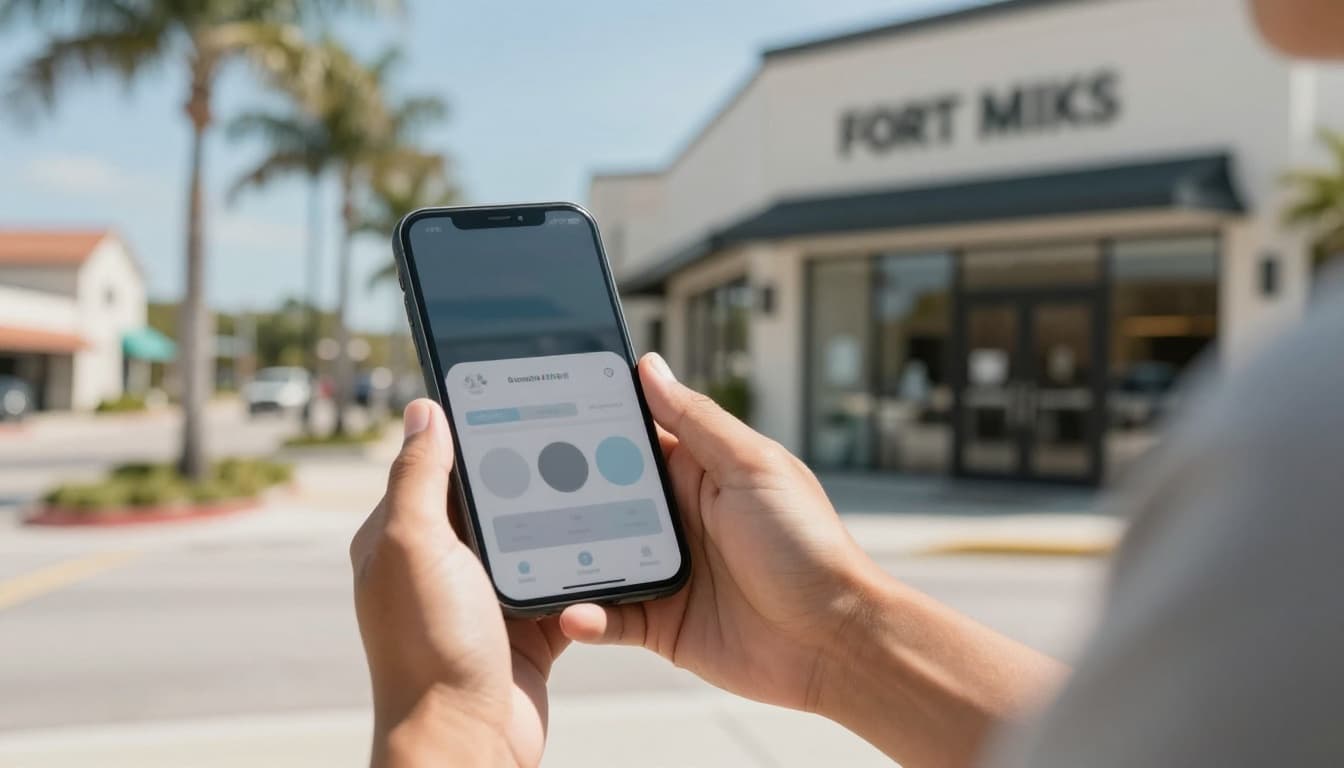 An owner-ready view of managing a local business profile on a phone, created with AI.
If you’re a Fort Myers business owner, you’ve probably had this moment: someone says, “I’m on my way,” but they’re using Apple Maps, not Google Maps. If your info is wrong, or your listing looks empty, you’re starting that customer relationship with friction.
Apple Business Connect setup is Apple’s free way to manage how your business appears across Apple apps, especially Apple Maps. When it’s done right, it helps customers call, get directions, book, or order without hunting around.
This guide breaks down verification steps, photo specs and tips, action buttons worth using, and the most common issues that trip up local businesses.
What Apple Business Connect does for Fort Myers businesses in 2026
Apple Business Connect lets you control your Place Card, the business profile that shows up in Apple Maps and other Apple experiences. Think of it like your “front desk” on iPhone: hours, categories, photos, and quick actions, all in one place.
For local businesses in Fort Myers, this matters because Apple Maps is a major driver of “near me” behavior on iPhone. Tourists, seasonal residents, and locals all rely on it for directions and calls.
Apple has expanded business identity features over the last couple of years, including things like branded elements that help customers recognize you faster. Even if you’re already strong on social media , running google ads , or investing in SEO , Apple Maps still needs clean data and a strong visual profile.
If your website is out of date, fix that first. Your website is the source that many platforms cross-check. A clean contact page built as part of solid Website design and maintenance can prevent listing headaches later (especially with suite numbers and phone formatting).
Apple Business Connect setup: step-by-step (with verification)
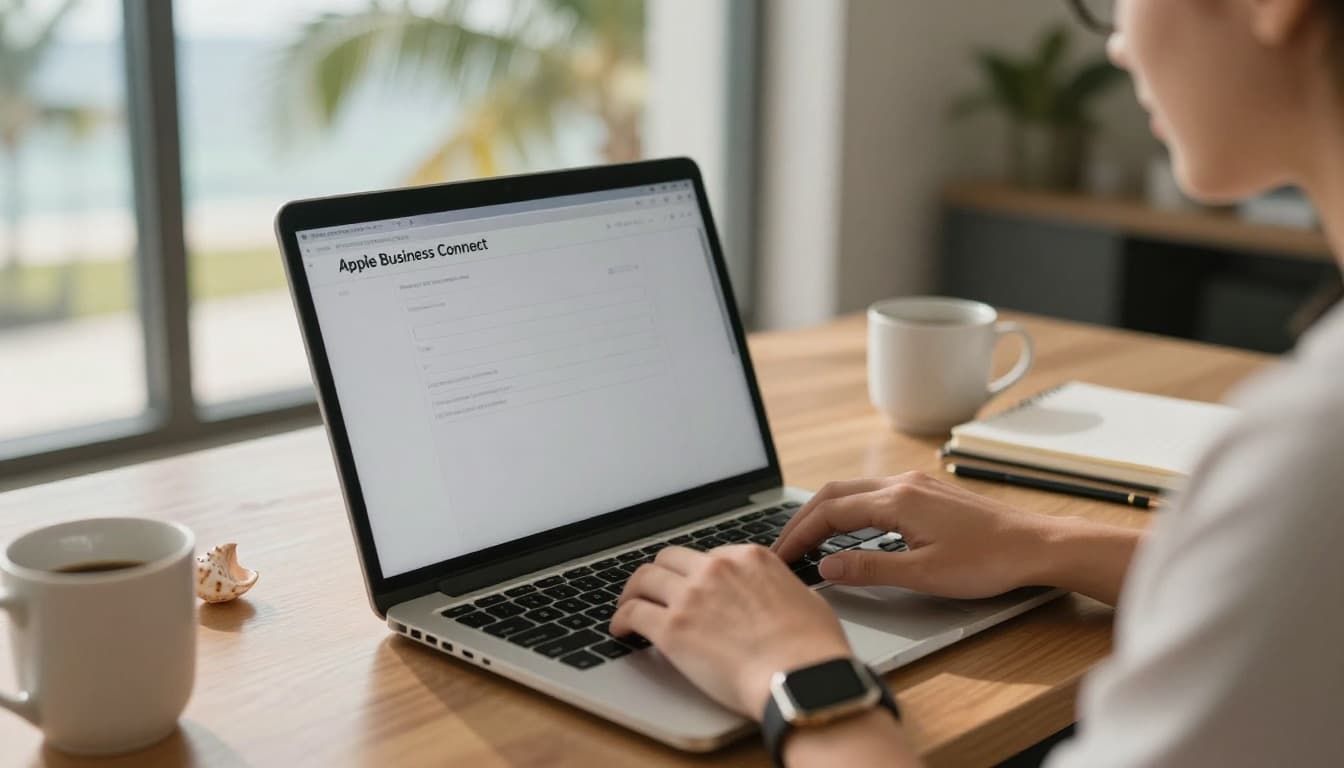 Setting up a business profile on a laptop in a Fort Myers style workspace, created with AI.
The fastest setups are the ones you prep for. Before you touch Apple Business Connect, lock down your business basics (name, address, phone, and website) exactly as you want them to appear everywhere.
1) Get your business info “match-ready” first (quick checklist)
- Business name : Use your real-world signage name, not extra keywords.
- Address formatting : Match USPS style, and be consistent everywhere.
- Suite numbers : Pick one format and stick to it (example: “Suite 3”, not sometimes “Ste 3”).
- Phone number : Use a local line you can answer during business hours.
- Website : Put the same NAP on your site footer and contact page.
This consistency is the backbone of search engine optimization because it reduces confusion across platforms.
2) Register your company and add locations
Follow Apple’s official guide for the core registration flow: register your company or organization. You’ll add your business details, then add a location (or confirm an existing one if it already appears).
Tip for Fort Myers service-area businesses: if you don’t serve customers at your address, be careful with how you enter location details. Apple wants real, verifiable business information.
3) Complete verification (phone and postcard are common)
Apple’s official steps are here: verify your company in Apple Business Connect.
Common verification methods you might see:
- Phone verification : Apple confirms details using a phone process. Make sure the listed number routes to staff who can answer and confirm the business.
- Postcard verification : A code is mailed to your business address. It’s slower, so plan ahead if you’re launching or moving.
If verification fails, it’s usually not “random.” It’s often mismatched details, a suite number mismatch, or a phone number that can’t be validated.
For extra background on how businesses approach Apple Maps listings, this third-party walkthrough is helpful: Apple Maps business listing steps.
Photos for Apple Maps: specs, shot list, and real-world tips
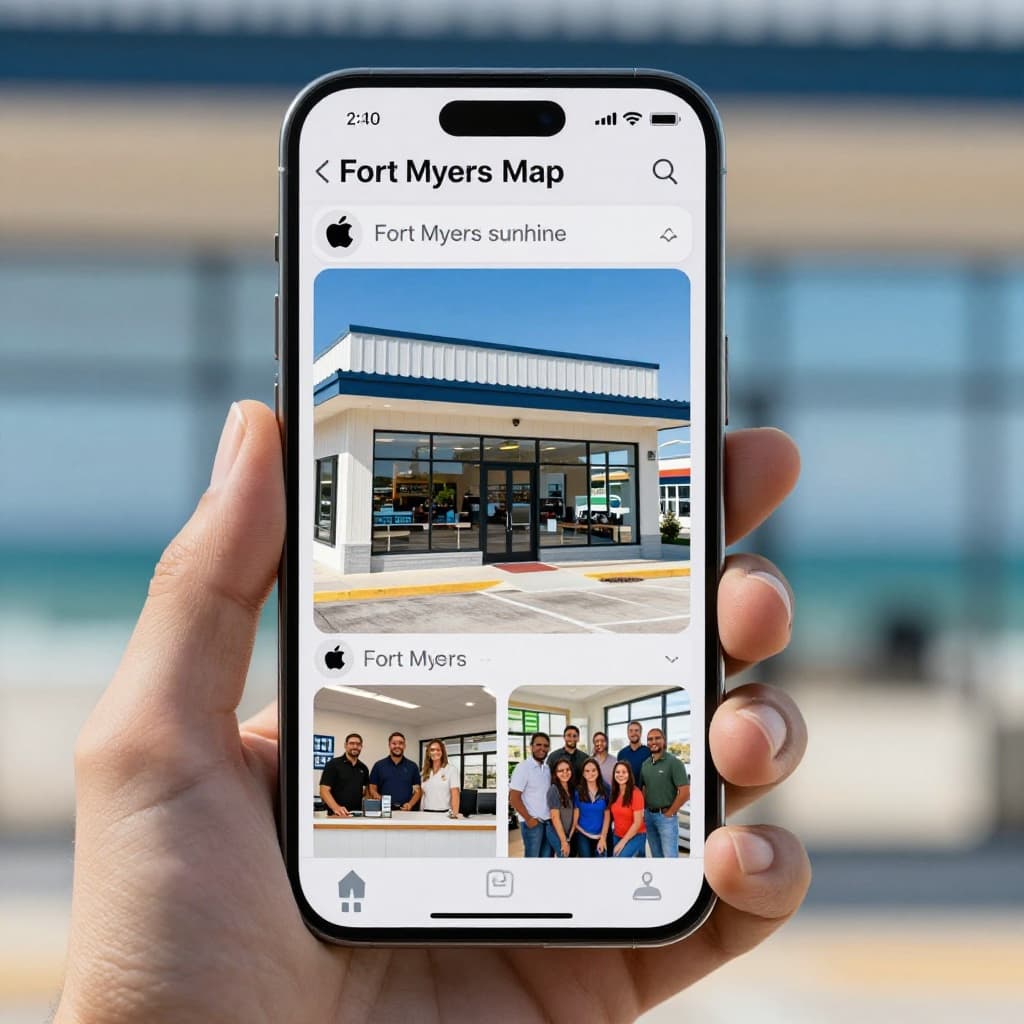 Example set of strong listing photos that build trust quickly, created with AI.
Photos do more than “look nice.” They answer the question every new customer has: “Is this place real, and is it for me?” In Fort Myers, strong photos are also a shortcut for tourists deciding where to stop.
Recommended photo specs (safe, current defaults)
Based on current Apple Business Connect guidance and common upload requirements:
- Use JPG or PNG
- Keep each file under 10 MB
- Avoid heavy filters, collages, and text overlays
- Use bright, sharp images (no motion blur)
A simple shot list that works for most local businesses
You don’t need a full photo shoot to start. You do need variety.
- Exterior : One wide shot that makes it easy to spot your entrance.
- Interior : A clean, well-lit view of the customer area.
- Product or service : Your best seller, signature dish, or a service in action.
- Team (optional) : A friendly, professional group shot builds trust fast.
- Parking and entry cues : Helpful for medical offices, salons, and multi-tenant plazas.
Practical tip: take exterior photos during “golden hour” light, and avoid cars blocking your sign. If your signage includes a suite number, make sure it matches your listing.
Action buttons to add, and the common issues that block results
Action buttons are where Apple Business Connect moves from “nice listing” to “new leads.” Apple explains the concept here: About Actions in Apple Business Connect.
Which action button should you use?
- Call : Best for emergency services, home services, legal, and medical offices. Make sure the number is answered, missed calls waste money from google ads and referrals.
- Directions : Best for walk-in businesses like restaurants, retail, gyms, and salons.
- Website : Best when your site converts well with fast load time and clear calls-to-action (good web design matters here).
- Order / Shop : Best for restaurants, florists, and ecommerce. Pair it with email marketing so first-time buyers become repeat customers.
- Book / Reserve : Best for appointments (salons, med spas, dentists, consultants). It cuts back-and-forth and no-shows.
If you’re running paid social, align your destination. For example, facebook ads , instagram ads , and broader meta ads should send traffic to the same booking or order link you feature in Apple actions. That consistency improves conversions and tracking. If you want help aligning channels, Social media advertising support can keep the message and links consistent across campaigns.
Common Apple Business Connect problems in Fort Myers (and how to fix them)
| Problem | What it looks like | Fix that usually works |
|---|---|---|
| Duplicate listings | Two Place Cards or a wrong location shows up | Search Apple Maps before creating anything, claim the existing location, request help through Apple if needed |
| Mismatched NAP | Verification fails or updates don’t stick | Match your NAP on your website, Apple listing, and other directories, pay extra attention to suite formatting |
| Suite number confusion | Customers arrive at the wrong unit | Standardize “Suite” vs “Ste”, and use the same format everywhere, including your site footer |
| Phone verification issues | Calls don’t connect or staff can’t confirm details | Use a direct local number, check IVR menus, and have staff ready to confirm the business name and address |
If you’re also cleaning up your site for local rankings, this can overlap with technical fixes like structured data, crawl issues, and duplicate versions of contact pages. A focused audit like Demystifying technical SEO essentials can help you fix the root causes instead of patching symptoms.
Conclusion
Apple Maps is like a digital street sign. If it points to the wrong door, customers don’t knock. A clean apple business connect setup , strong photos, and the right action buttons turn Apple Maps into a steady source of calls, bookings, and visits in Fort Myers.
If you want a team to align your Apple listing with your website, reviews, and SEO strategy, start with Fort Myers SEO services from a local marketing agency that handles execution in-house. The goal is simple: show up accurately, look trustworthy, and make it easy for customers to take the next step.
Featured Resources
Check Our Latest Articles