Fix a Suspended Google Business Profile
Watching your Google Maps listing vanish is like someone took your storefront sign down overnight. Calls stop, direction requests drop, and the timing always feels brutal, especially in Fort Myers where Google Search drives tourists, seasonal residents, and same-day service bookings.
If your Google Business Profile suspension notice just hit for your Fort Myers business profile, don’t panic, and don’t start clicking everything in sight. Most suspensions are fixable, but Google wants one thing above all: proof your business is real, and your listing matches reality.
First steps when your Google Business Profile is suspended (what to do, what not to do)
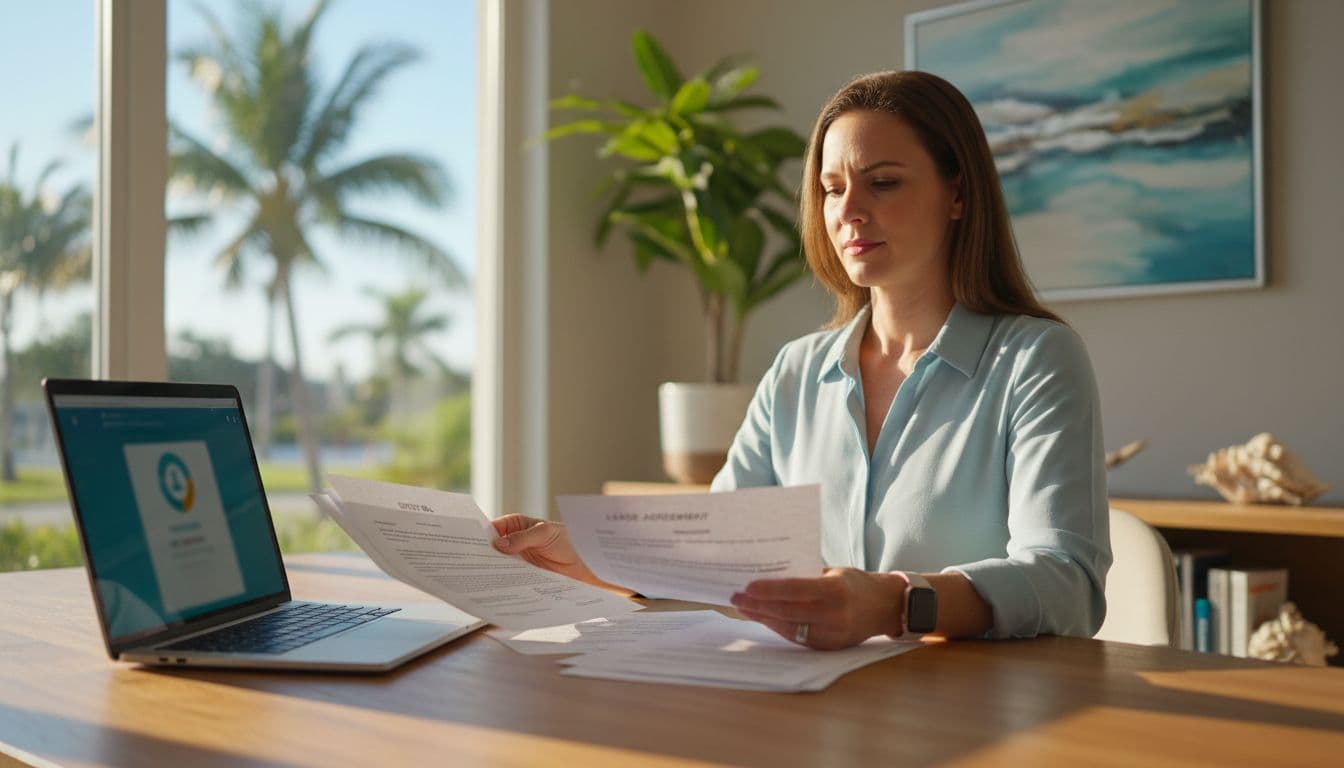 Business owner gathering verification paperwork to prepare a reinstatement request, created with AI.
Before you appeal, get clear on what happened and lock down changes that can hurt your case.
Confirm what Google actually did
- Suspended (often a soft suspension) usually means the profile is hidden from Search and Maps.
- Disabled (a hard suspension) can mean you can’t manage it at all.
- Restricted can mean certain features are blocked (posts, edits, or visibility limits, account-level restrictions).
Check the email tied to your profile, then open your Business Profile in Google Search while logged into the owner account. If you manage it in a dashboard, open the profile and look for a banner or alert explaining the issue.
Two caution notes that save a lot of time
- Don’t create a new profile while suspended. Duplicate profiles often make reinstatement harder and can trigger longer reviews.
- Avoid repeated edits during review. Name, address, and category changes while Google is reviewing can restart the clock or look suspicious.
Capture “before” evidence (quick screenshots)
Take screenshots now, before you change anything:
- Open the profile management view while logged in.
- Screenshot the status message and any reason shown.
- Open the section where you edit business info, and screenshot key fields (name, address, service area, categories).
- Save the images with simple file names (example:
01-status.png,02-address.png).
Don’t worry if buttons and labels move, they do. Just capture the screen that shows your status and your key details.
Fort Myers issues that trigger suspensions (home-based, service areas, shared offices, storms)
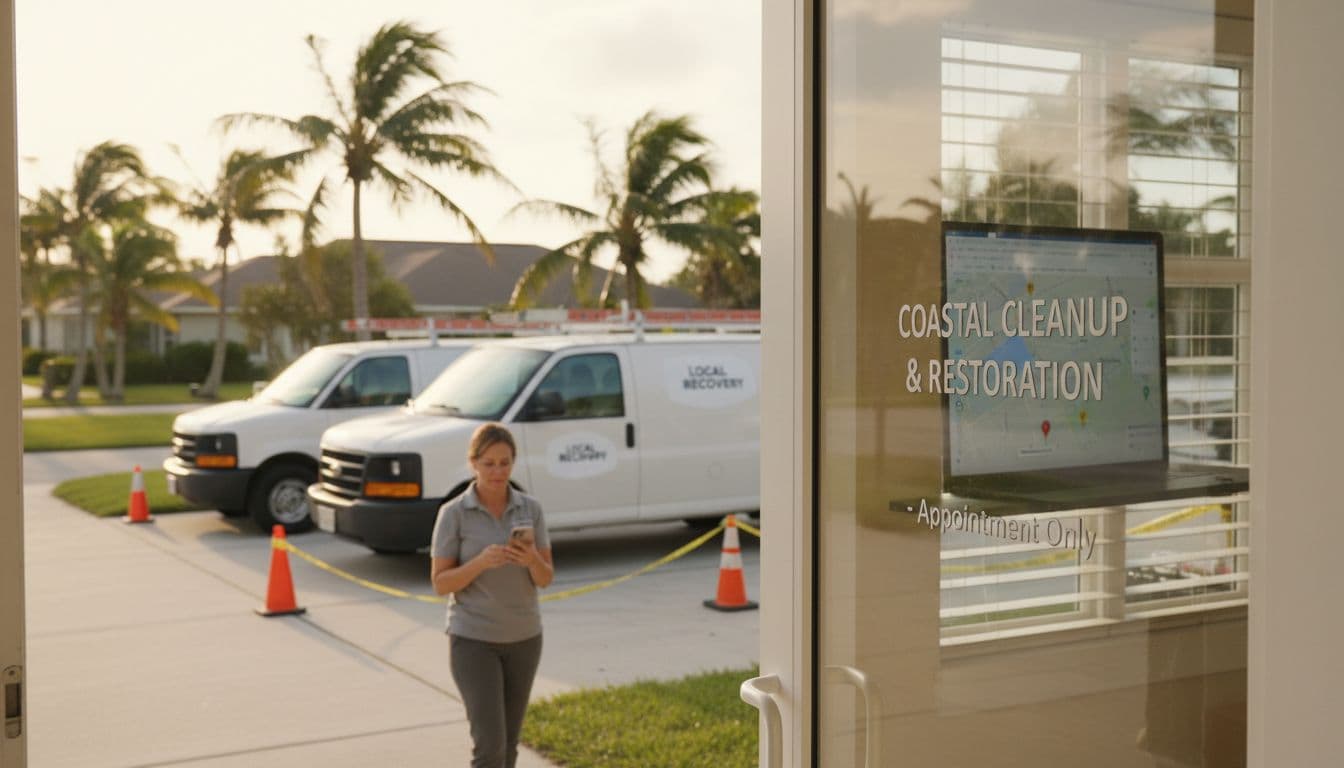 Service business at a home location in coastal Florida, with subtle post-storm cues, created with AI.
Google’s national rules on policy violations apply everywhere, but Fort Myers business setups can raise flags more often.
Home-based businesses (very common here)
If customers don’t visit your home, your profile should usually be set up as a service-area business and your street address should be hidden. A public home address with “open to the public” signals can trigger a review.
What helps: photos of permanent signage (if you have it), and documents that match your business name and address.
Service-area settings that look unrealistic
Setting a service area that covers half of Florida can look like spam. Keep it believable for your trade. If you serve Fort Myers, Cape Coral, Estero, and Bonita Springs, that’s normal. If you select dozens of cities across the state, it can backfire.
Shared offices and coworking spaces
If your address is a shared office, Google may require that you have:
- Real, staffed presence during stated hours
- Clear, permanent signage
- A suite number that matches your documents
Google flags a virtual office or a P.O. box; virtual offices and “mailbox suites” often fail when Google asks for proof.
Hurricanes and “temporary closure” confusion
After storms, businesses sometimes mark “temporarily closed,” change hours, or relocate. Rapid edits can trigger suspicious activity. If you truly relocated, be ready to prove it (updated lease, updated utility bill, new signage photos). If it’s only a short interruption, update special hours rather than changing core address details repeatedly.
Common suspension causes, typical fixes, and proof docs to submit
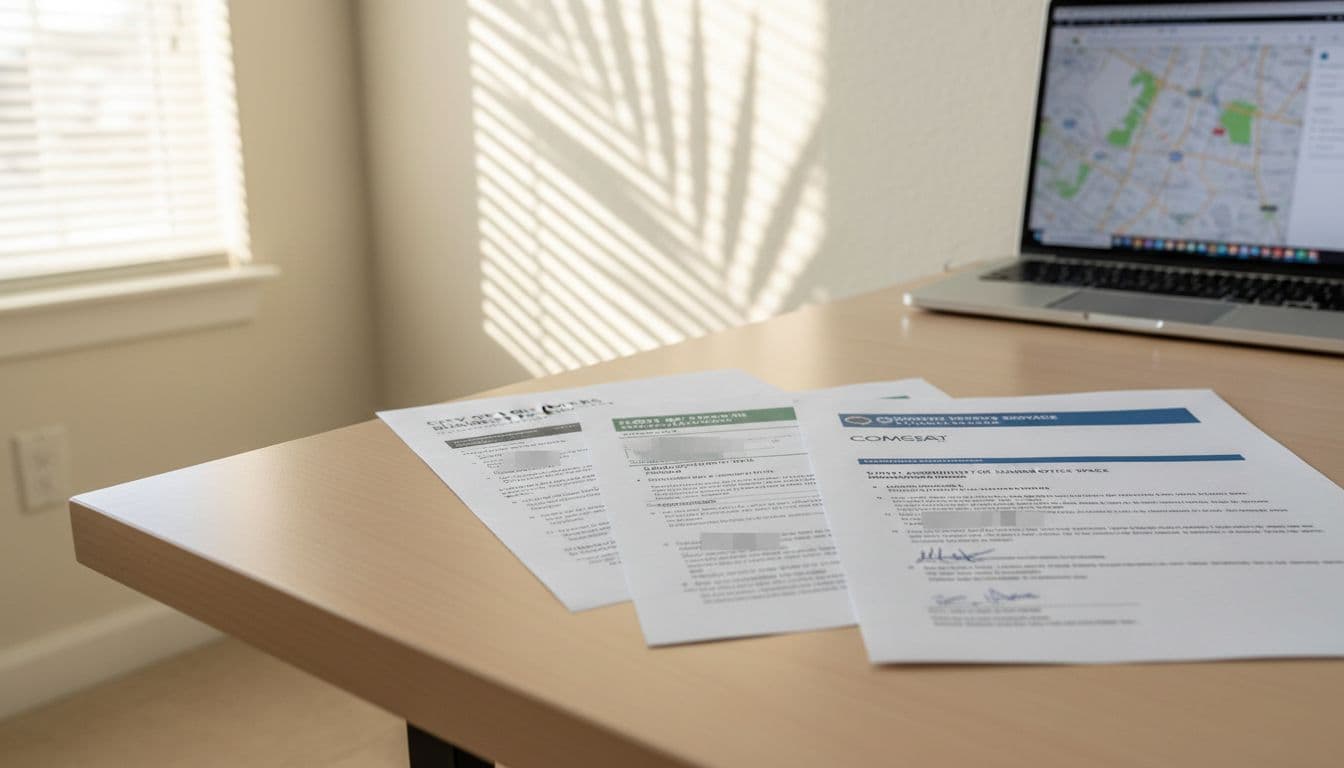 Common proof documents laid out for a reinstatement submission, created with AI.
Google typically reinstates faster when your listing matches your real world business and your documents back it up. For Google’s official guidance, use the Fix suspended or disabled profiles help page.
Here’s a practical summary you can use to diagnose the issue:
| Suspension cause | Typical fix | Proof docs to submit |
|---|---|---|
| Keyword stuffing in business name | Change business name to real-world branding (no services, no city) | Business registration showing business name, storefront photos |
| Address issues (wrong, unverified, or not eligible) | Correct address, add suite, hide home address if SAB | Utility bills (electric, water, internet), lease, business registration |
| Service-area business set up like a storefront | Hide address, keep hours realistic, set tight service area | Service vehicle photos, insurance or license, utility bill to owner |
| Duplicate listings | Keep the best profile, request removal/merge of duplicates | Screenshots showing duplicates, docs proving correct location |
| Suspicious edits or ownership conflicts | Use the true owner account, remove unnecessary managers | Screenshot of manager list, proof of ownership docs |
| Category mismatch (claiming services you don’t offer) | Select accurate primary category, remove misleading services | Website page matching service, invoices or license if regulated |
Quick proof doc rules that matter
- Your business name and address must match across documents and the profile. Ensure NAP consistency for name, address, and phone number accuracy.
- Use recent documents when possible (example: last 60 to 90 days).
- Phone bills often don’t help much. A business license or utility bill (internet, electric, water) is stronger.
The 2026 appeal process (steps, timing, and copy-paste templates)
In January 2026, Google still routes most reinstatements through the Google Business Profile appeals tool, and uploads typically need to happen quickly after you submit. Google also warns that processing can take longer during high-volume periods, so tight submissions matter. Start with Google’s appeal tool guidance, and if you want a visual walkthrough, see this step-by-step reinstatement video from Google’s community.
Step-by-step: appeal the right way
- Fix issues first (name, address visibility, categories, duplicates).
- Prepare proof (2 to 5 files is usually plenty).
- Open the Google Business Profile appeals tool while logged into the owner account.
- Select the suspended profile and submit the appeal.
- Upload evidence quickly to the evidence form when prompted. Google may only give a 60-minute window before it expires.
- In your explanation, state facts, list what you changed, and reference your attached proof.
- Stop editing until you get a decision.
- If denied and you get another attempt, upgrade your proof, don’t just re-send the same package.
Brief appeal statement template (edit the brackets)
Use this in the appeal explanation box:
Appeal statement:
Our business, [official business name], operates at [Address] in Fort Myers, FL. The Business Profile information now matches our real-world details. We removed any non-compliant content and updated [name/address visibility/categories] on [date]. Attached are [utility bill], [state license/registration], [tax certificates], and [lease or signage photos] showing our business name and address. Please review and reinstate the profile.
Email follow-up template (if the case stalls)
Subject: Reinstatement follow-up for [Business Name] Business Profile
Hello,
I submitted an appeal for [Business Name] on [date] using the owner account [email]. The profile is still suspended. The listing details match our real business, and the proof documents were uploaded (license, utility bill, lease/signage photos).
Please share the appeal status or any additional documentation needed. Thank you.
Document cover sheet list (put this as page 1 of a PDF)
- Business name (exact match to profile)
- Business address (or note “service-area business, address hidden”)
- Owner name and email used to appeal
- Phone number on the profile
- Attached documents (in order): license/registration, utility bill, lease, signage photos, additional proof
Once your profile is live again, keep everything aligned, your website, reviews, and citations. Strong web design , SEO (search engine optimization), and consistent branding reduce future flags. Then you can build demand safely with social media , email marketing , and paid traffic like google ads and meta ads (including facebook ads and instagram ads ). A local marketing agency can also handle listing hygiene and local SEO so your team stays focused on customers.
Conclusion
A Google Business Profile suspended notice feels personal, but it's usually just a compliance check. Address policy violations first, submit clean proof with your reinstatement request, and then stop touching it while Google reviews. If you want faster results, treat your appeal like a small legal packet: clear facts, matching documents, and zero extra noise. The goal is simple: get your listing back on Google Maps where customers can find you.
Featured Resources
Check Our Latest Articles