Fort Myers Google Maps Spam Report Playbook, How to Spot Fake Listings, Keyword Stuffing, and Lead-Gen Traps
Ever searched “near me” in Fort Myers and felt like the results were a little off? You’re not imagining it. google maps spam is still one of the fastest ways bad actors steal calls, form fills, and walk-ins from real local businesses.
This playbook shows you how to spot fake listings, name spam (keyword stuffing), and lead-gen traps, then report them in a way that actually has a chance of getting action. It’s written for busy owners who need a clean, repeatable process, not theory.
Why Google Maps spam matters in Fort Myers (and why it spikes during busy seasons)
 An AI-created scene of a local “investigation” setup, mirroring how people spot and report suspicious map listings.
When spam wins, everyone loses. Customers waste time calling numbers that route to call centers. Real businesses lose leads they paid for (or worked for) through search engine optimization and strong reviews. The worst part is that spam often looks “good enough” on a phone screen, especially when someone’s in a rush.
In Fort Myers, this gets louder in peak demand windows. Tourists, seasonal residents, and storm-recovery surges all create high-intent searches like “emergency plumber,” “roof repair,” or “tow truck.” That urgency is exactly what lead-gen traps target.
Spam also distorts your marketing spend. If you run google ads to stay on top, spammy map listings can siphon off the “free” clicks you expected from the Map Pack, forcing you to buy more traffic. The same thing happens with meta ads , including facebook ads and instagram ads . You can run great creative on social media , but if your listing gets outranked by fake profiles, those warm prospects may still call the wrong number when they go to verify you on Maps.
For owners investing in web design , reputation, and tracking, spam creates messy attribution too. Calls go missing, lead quality drops, and suddenly it feels like nothing is working.
If you’re building long-term visibility in Fort Myers, pair spam cleanup with a real local strategy like this Fort Myers local SEO blueprint for Google Maps.
How to spot fake listings, keyword stuffing, and lead-gen traps (fast checks that work)
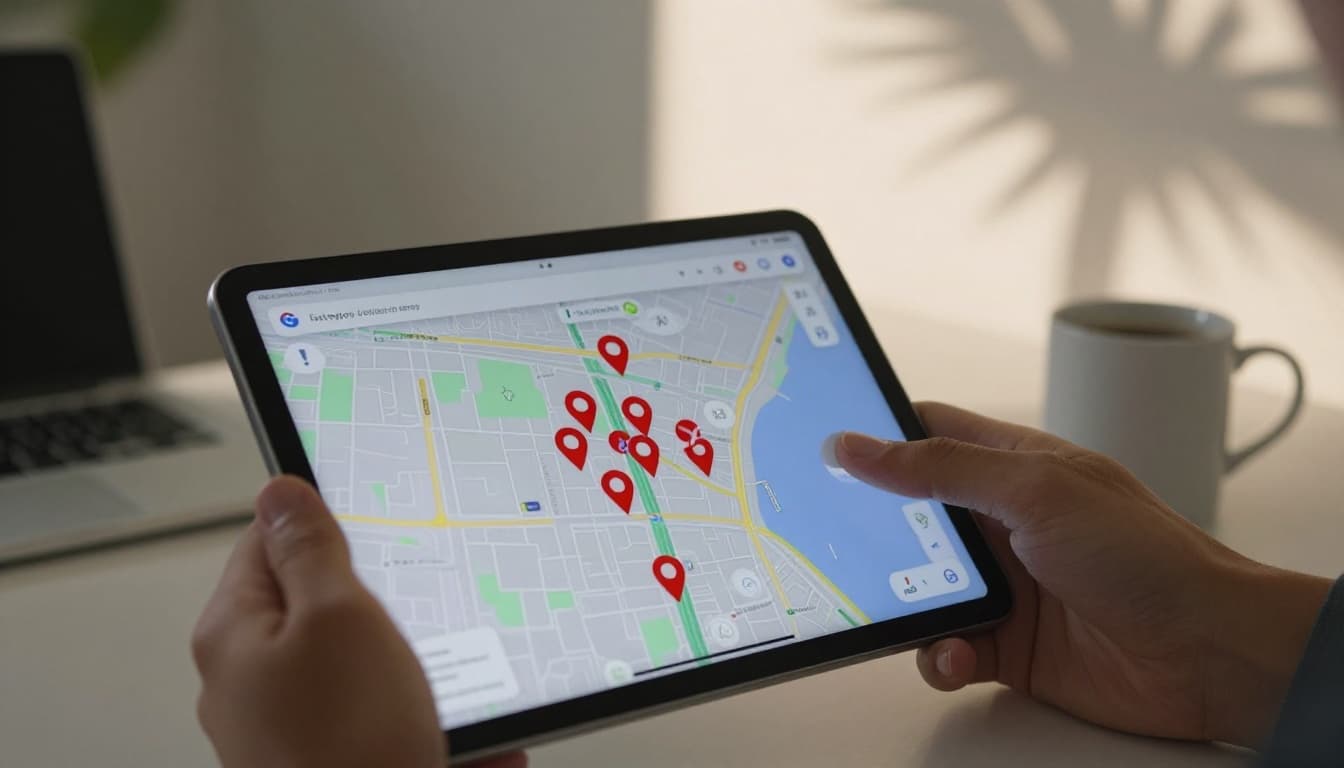 An AI-created view of clustered pins, similar to what you’ll see when a category is flooded with spam.
You don’t need special tools to spot most spam. You need pattern recognition.
Fake listing red flags (the “does this place exist?” test)
A fake profile often fails basic reality checks:
- The address points to a random neighborhood street, a mailbox store, or a building with no signage for that business type.
- The listing has a generic name and no brand footprint. No matching website, no local mentions, no consistent photos.
- The phone number goes to an answering service that won’t say the company name, or it routes you through “press 1, press 2” like a call farm.
- Multiple listings share the same address or phone, but claim different business names.
A good sanity check is street-level: if the business claims a storefront, the photo history should show consistent signage and a real entrance. If it’s a service-area business, it still shouldn’t pretend to be at a fake suite.
Keyword stuffing in the business name (easy to miss, easy to report)
Keyword stuffing looks like this (hypothetical examples):
- “Fort Myers Emergency Plumber | Same-Day Service”
- “Best Roofer in Fort Myers Cheap Roof Repair”
- “⭐ Top Rated Dentist Fort Myers ⭐”
Google’s rules are simple: the name should match the real-world name customers see on signage and paperwork. Extra services, locations, pricing, or slogans in the name are a problem, even if the company is real.
Want deeper examples of what tends to get removed? This reference guide is useful: ultimate guide to fighting spam on Google Maps.
Lead-gen traps (the “they’re selling the lead, not doing the work” clue)
Lead-gen traps are the sneakiest. They may look like a real local company, but the goal is to collect your contact info or route calls to a broker.
Watch for these patterns:
- The website is a thin page with a form and no real “about” details, team, license, or local proof.
- The site lists multiple cities with the same template, and nothing ties it to Fort Myers.
- The listing links to a “network” site that swaps phone numbers and brands by category.
- The business name sounds like a service keyword, not a brand.
If you’ve ever filled out a form and got five contractor calls in five minutes, you’ve met the trap.
Fort Myers Google Maps spam report playbook (2026 process that’s worth your time)
 An AI-created scene of documenting and submitting a report, including notes and proof.
Reporting works best when it’s calm, factual, and documented. Don’t write a rant. Build a small “case file.”
Step 1: Capture proof (screenshot guidance)
Take screenshots on mobile and desktop. Save them in a dated folder.
What to capture:
- The search you ran (example: “Fort Myers air duct cleaning”).
- The listing panel showing the business name , category, address or service area, phone, and website.
- The map view showing the pin location.
- Any obvious violations (keyword-stuffed name, emojis, fake suite, duplicate profiles).
Optional proof that helps:
- A street-view screenshot showing no signage where a storefront is claimed.
- A screenshot of the website showing it’s a lead form with no real business identity.
- Any duplicates side-by-side.
Step 2: Use “Suggest an edit” first (for name spam and obvious details)
On the listing, choose “Suggest an edit” and correct the item that violates policy (often the name). Keep it simple. If the real brand name is “ABC Plumbing,” suggest that, not “ABC Plumbing Fort Myers Emergency Plumber.”
This is often the fastest route for keyword stuffing.
Step 3: Escalate with the Business Redressal Complaint Form
For fake listings, repeat offenders, and lead-gen networks, use Google’s Business Redressal Complaint Form (Google may label it slightly differently over time). Include:
- The Maps URL(s) for the listing(s)
- A short explanation of the violation
- Your screenshot proof and supporting links
If you’re dealing with volume (multiple fakes in one category), organize it in a spreadsheet and submit in batches.
For a practical walkthrough of evidence and workflows, see reporting spam on Google Maps guide.
Step 4: Track outcomes and follow up the right way
Make a simple log with date, listing name, and what you submitted. If nothing changes after about two weeks, you can re-submit with clearer proof or ask for guidance in community spaces where local search pros troubleshoot cases, like this Local Search Forum spam thread.
For local business owners: protect your listing and respond to lead-gen traps
If you’re a legitimate business, your best defense is staying squeaky clean and hard to impersonate.
First, keep your profile compliant: real name only, real categories, real hours, real photos. If you need a tune-up, follow a Fort Myers-focused guide like optimize Google Business Profile in Fort Myers.
Second, tighten your conversion path. Many lead-gen traps win because the real business makes it hard to book. A fast mobile site, strong trust signals, and call tracking help you keep the lead once you earn the click. Use this Fort Myers landing page checklist for higher conversions to spot leaks.
Third, document your reality:
- Photos of your signage and work vehicles
- Licenses (where relevant)
- Utility bill or lease (kept private, but ready if support asks)
- A short library of real job photos and team photos
Finally, handle “lead-gen trap” fallout directly. If a customer says, “I submitted a form and got spammed,” reply with clarity: you don’t sell leads, and your official contact methods are on your site and profile. If you use email marketing , add a short reassurance line in your confirmation emails so people know what to expect next.
If you want help cleaning listings while building rankings, a local marketing agency that also handles SEO and ads can connect the dots, including Yeppy Marketing SEO services in Fort Myers.
Printable one-page summary checklist (save this)
Use this as a quick “print and pin” reference.
- Confirm it’s likely spam (fake address, fake name, duplicate, lead-gen site).
- Screenshot the search results page.
- Screenshot the full listing panel (name, phone, website, address).
- Screenshot the pin location on the map.
- Check street view for signage (if storefront is claimed).
- Compare business name to real-world branding (sign, website header).
- For keyword stuffing, submit “Suggest an edit” for the name.
- For fake listings or networks, submit the Business Redressal Complaint Form.
- Include clear, short notes and attach proof (no long stories).
- Log the date and the listing URL.
- Re-check in 7 to 14 days and follow up if needed.
- Protect your own listing (real name, correct categories, steady photos).
- Keep your site and tracking clean (calls, forms, attribution).
- Watch your google ads and meta ads lead quality for sudden shifts.
- Train staff to confirm “how did you find us?” to spot traps early.
google maps spam doesn’t disappear on its own, but consistent reporting plus a strong presence makes it much harder for fakes to steal your leads.
Featured Resources
Check Our Latest Articles